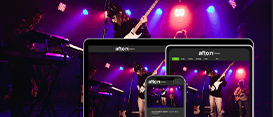





Why Choose Afton?
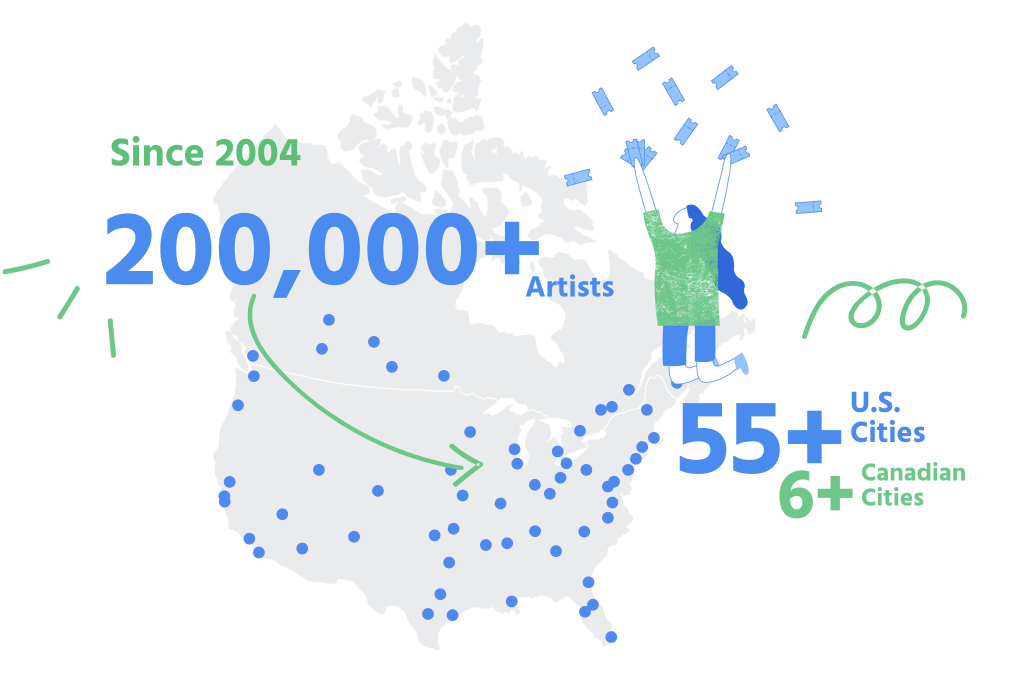
Afton is the first and only nationwide booking agency that books local & regional independent musicians without ever being pay to play. This is why 200,000+ musicians and over 250 music venues trust Afton Shows.
No up-front costs, no membership fees, and unlimited access to all of the features on our booking platform:
- Live stream virtual gigs.
- Real-world show bookings.
- Ticketing.
- Promotion and marketing tools.
- 1-on-1 support from our Booking reps.
- And more!
Live Streaming for Any Musician.
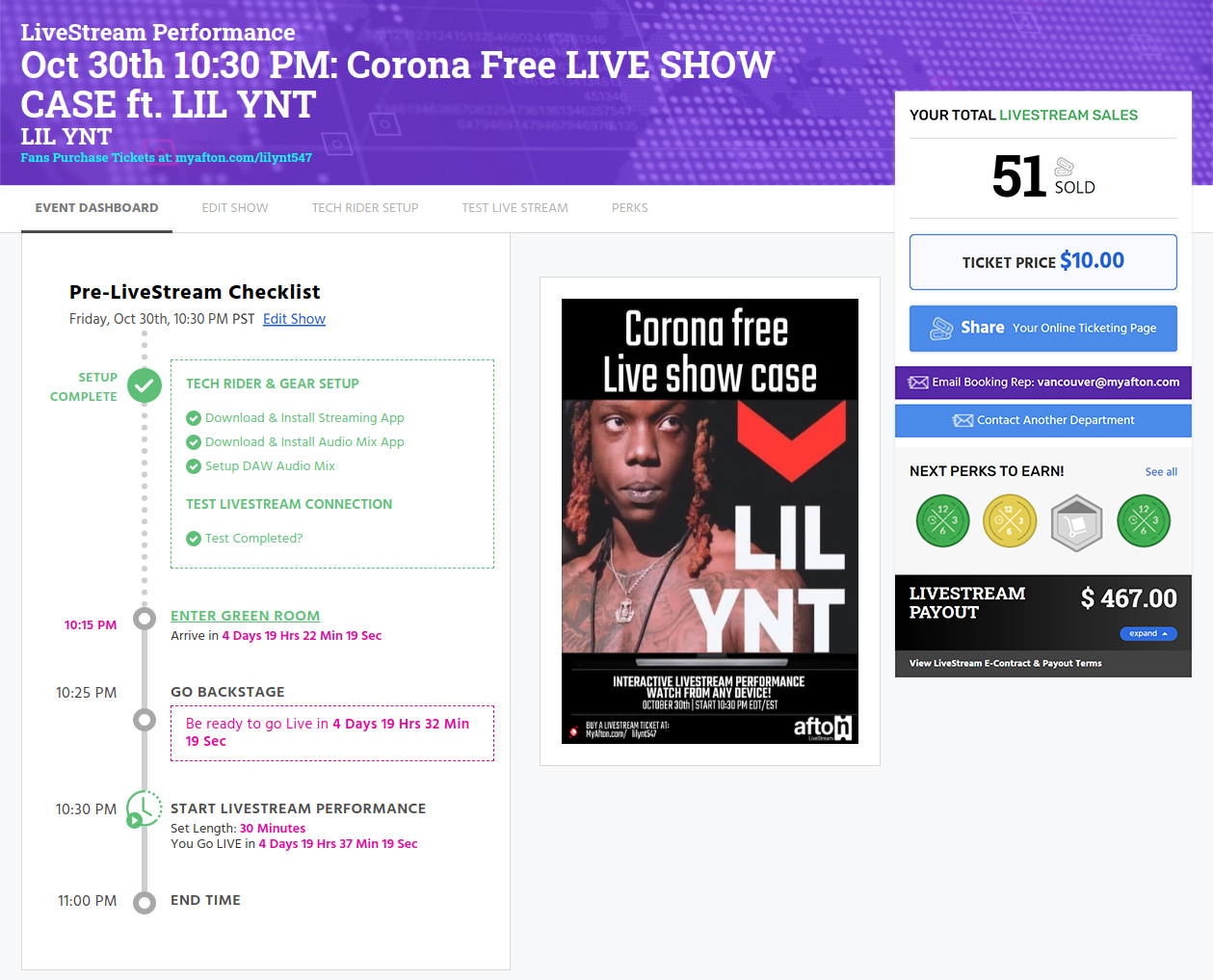
Don’t worry, no live streaming experience is required! We walk you through every step and provide 1-on-1 support from your Booking Rep. You set the time & date of your live stream, ticket price, and set length. We provide everything you need: Pre-Stream checklist and Dashboard, Tech Rider & gear setup, tutorials, ticketing, fan tipping features at checkout & during the stream, and Sound Check portal. On the day of the show, enter the Green Room, transition to Backstage, and Go Live to fans!
Perform Live Onstage.
Get Paid. No Fees.
We make booking real-world live shows fast, easy & simple. Your customizable MyAfton account gives you all of the tools you need for a successful show. We front all the money, handle all logistics with the venue, book the other artists; we do all the legwork. You just help promote the show, perform, and get paid.

Built by Musicians,
Get Paid. No Up Front Costs.
MyAfton was created by musicians, for musicians. We’ve been in your shoes and have experienced firsthand how confusing and cutthroat the music industry can be. That’s why we created a free platform that gives you all of the tools you’ll need to succeed. Whether you’re looking to book more real-world live shows, setup a paid virtual live stream performance, optimize your promotion or just need a better way to manage your workload as a musician, your free MyAfton membership will help you every step of the way.
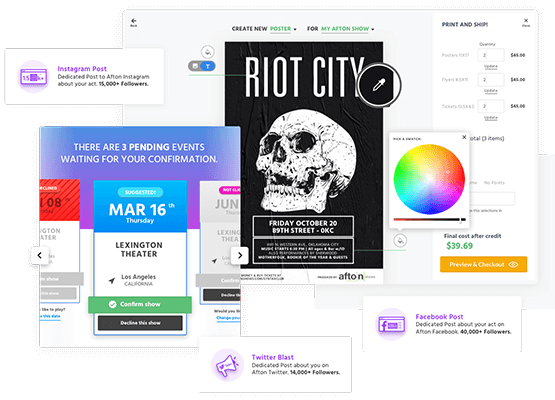
Every Tool A Musician
Needs In One Place
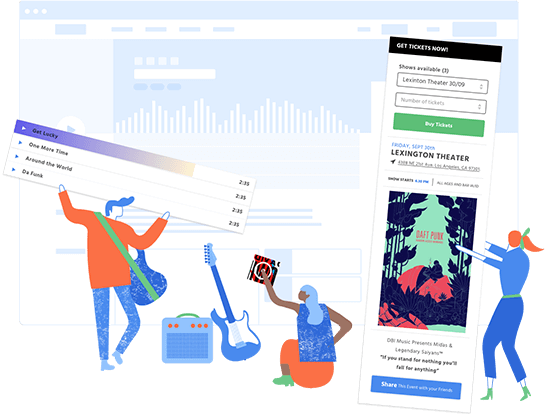
We offer artists a free platform that manages booking, promotion, ticketing and flyers all in one place, MyAfton saves you time (and money) while cutting out the distractions and the hassles associated with other services that only accomplish one goal.
KEEP IN TOUCH!
Join our artist community for free Tips, Resources, and Opportunities.